
Sketch Ideas - Art Prompts
Random Idea Generator




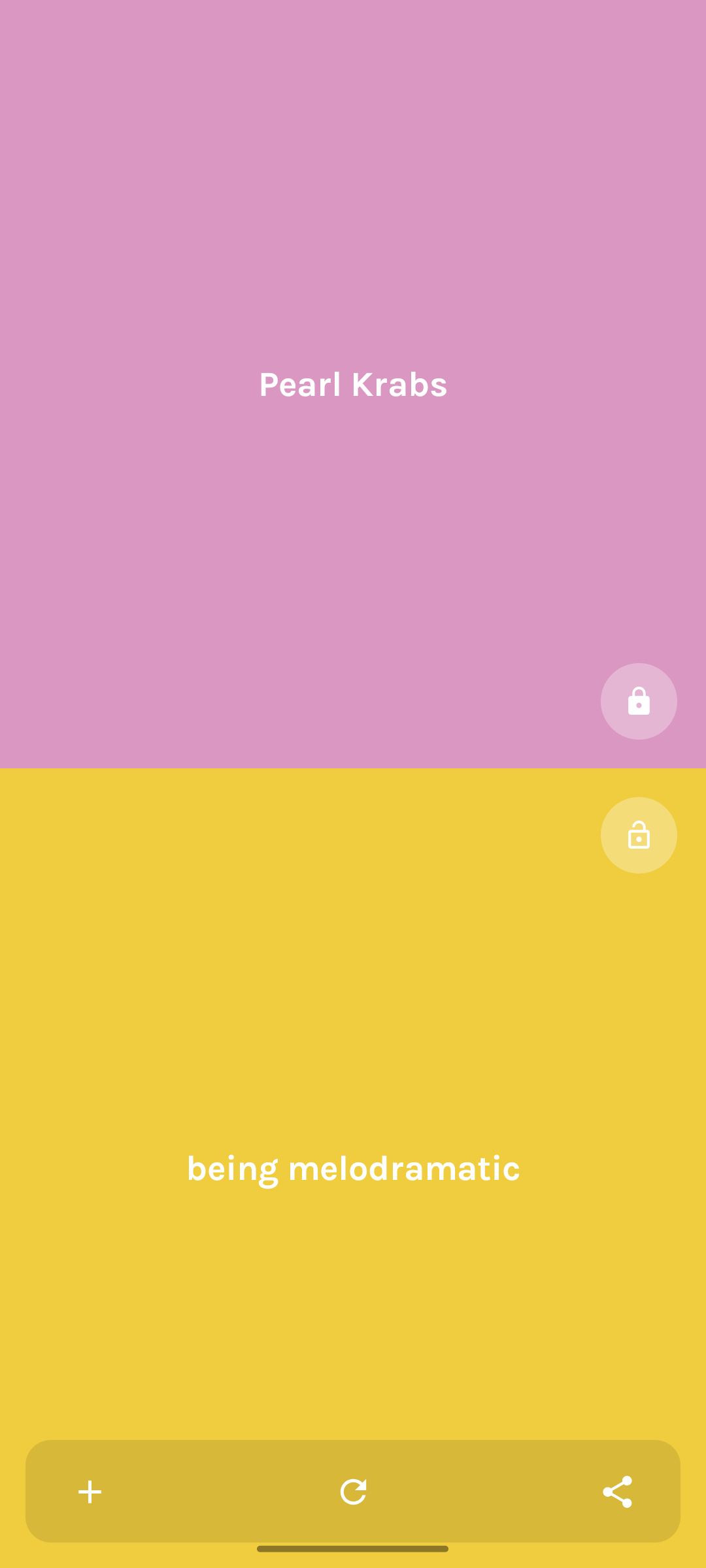
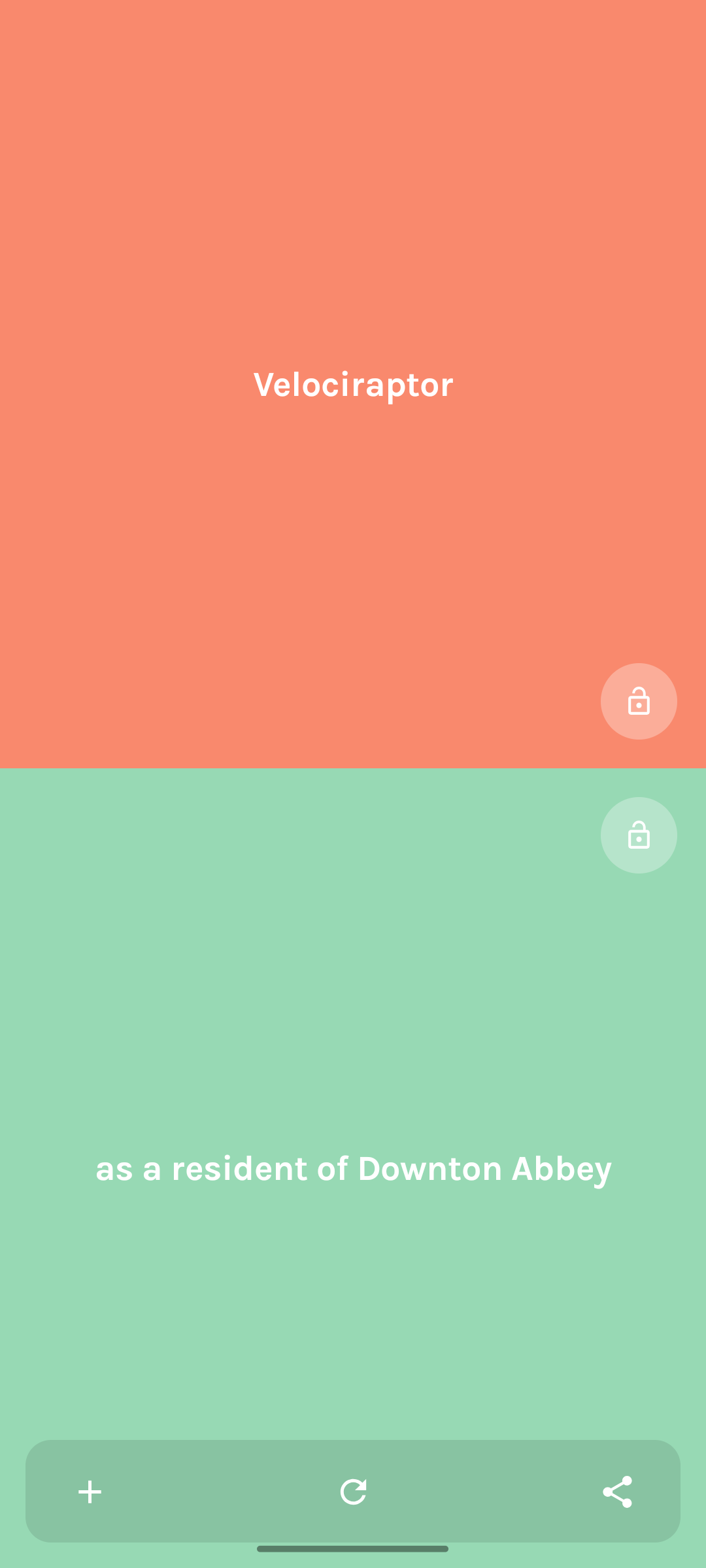
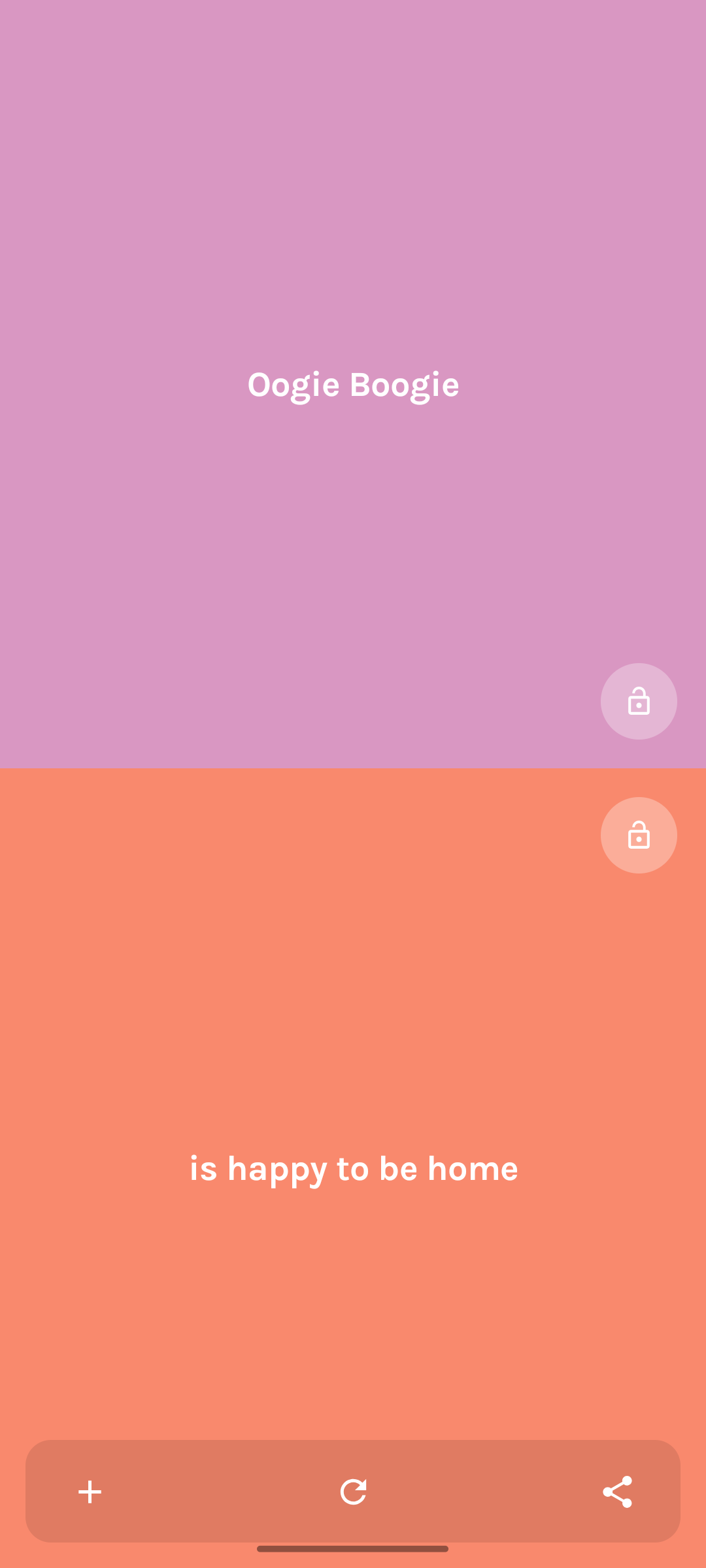
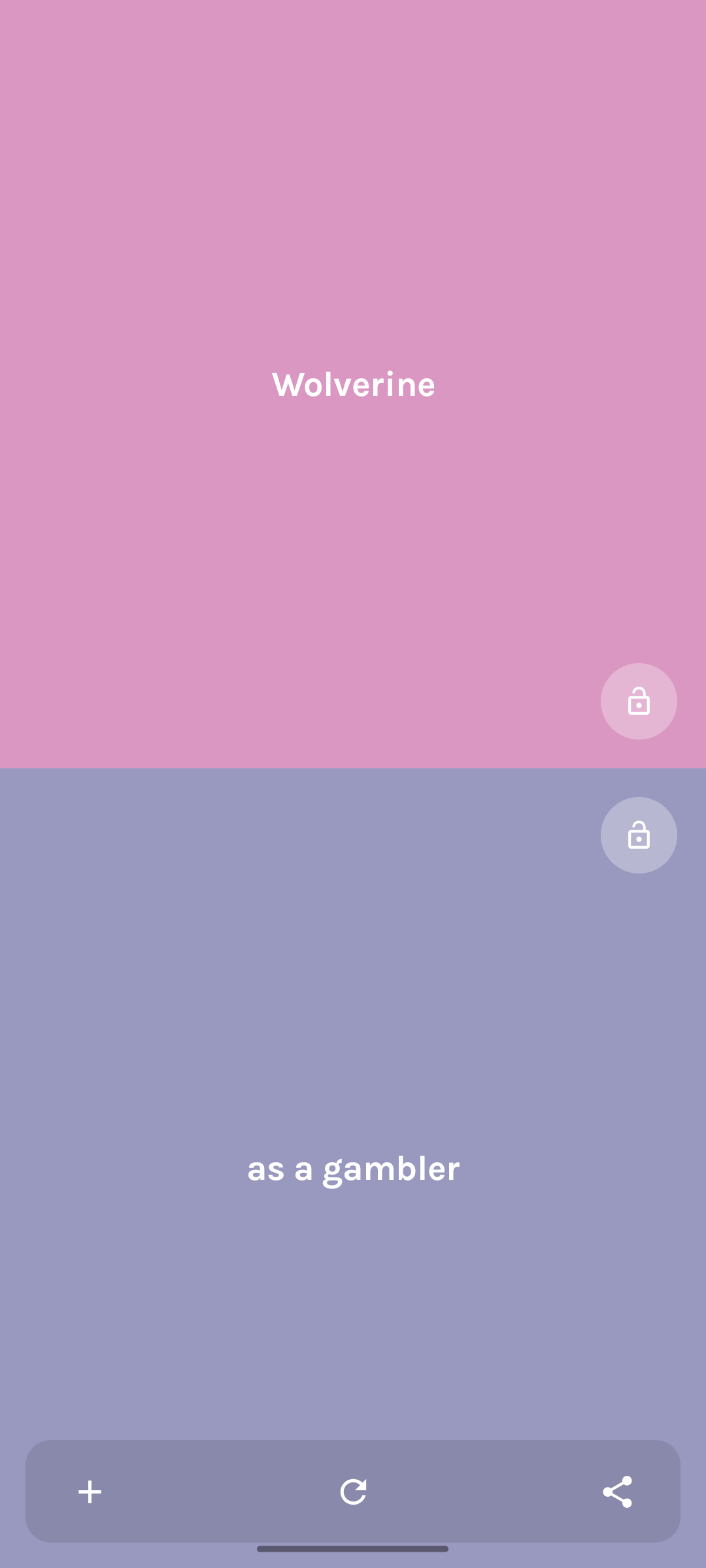

Never Run Out of Things to Draw
Sketch Ideas is the creative companion for artists, illustrators, students, and anyone looking for fresh drawing inspiration. Whether you’re practicing every day, participating in Inktober, designing characters, or simply trying to overcome artist block, Sketch Ideas delivers endless combinations of fun and inspiring art prompts.
With thousands of unique possibilities, you’ll always have something new to sketch.
Discover New Drawing Ideas Instantly
Staring at a blank page can be frustrating. Sketch Ideas helps you break through creative blocks by generating random drawing prompts that combine characters, objects, actions, and situations into unexpected and inspiring combinations.
Just tap and start drawing.
Features
Endless Drawing Prompts — Generate countless sketch ideas for characters, creatures, scenes, and imaginative situations.
Create Your Own Ideas — Add custom WHO and WHAT prompts to personalize your creative challenges and build your own inspiration library.
Lock and Practice — Want to improve at drawing people, animals, or specific subjects? Lock one category and generate endless variations for focused practice.
Daily Drawing Inspiration — Build a creative habit with new ideas every day. Perfect for sketchbook exercises, warm-ups, and art challenges.
Home Screen Widgets — Get instant inspiration directly from your Home Screen. On supported devices, widgets are also available on the lock screen for creativity wherever you go.
Simple and Distraction-Free — Sketch Ideas is designed to help you focus on creating. No subscriptions, no accounts, and no unnecessary complexity.
Perfect For
- Artists and illustrators
- Beginners learning to draw
- Character designers
- Comic and manga creators
- Concept artists
- Art students
- Daily sketch practice
- Inktober and drawing challenges
- Anyone struggling with creative block
How It Works
- Open Sketch Ideas.
- Generate a random drawing prompt.
- Lock categories or add your own ideas.
- Grab your pencil and start creating.
Why Artists Love Sketch Ideas
Creativity thrives on unexpected combinations. Sketch Ideas transforms simple prompts into endless possibilities, helping you explore new subjects, develop stronger drawing skills, and make art a daily habit.
Whether you’re searching for drawing ideas, sketch prompts, character concepts, or creative inspiration, Sketch Ideas gives you the spark needed to bring your imagination to life.
Available for iPhone, iPad, and Android devices.